| Plate Setup | |
|---|---|
| Plate Compatibility | SLAS/SBS-compatible OmniTrays, segmented colony plates, 24-well, 96-well and 384-well plates, and petri dishes |
| Picker Positions | Fully customizable |
| Agar Height Setting | Fully customizable |
| Transfer Options | |
|---|---|
| Picking | Select number of colony picks, colony re-picking for dual placement plates, destination well padding |
| Rearray | Columns (forward/reverse); Rows (forward/reverse) |
| Cherry-picking | Fully customizable ad hoc cherry-picking |
| Plate Segmentation and Masking | Segmented plate picking with highly flexible click-and-drag masking options and deadzones |
| Colony Picking Order | Left to Right / Right to Left; Top to Bottom / Bottom to Top; Diameters: Small to Large / Large to Small; Amplitude: Low to High / High to Low; Brightness: Dark to Light / Light to Dark; Fully Randomized |
| Placement Order | Columns (forward/reverse); Rows (forward/reverse); Custom (user-defined) |
| Transfer Technique | Height from well bottom (picking and placement); Movement optimization option |
| Dither | Horizontal (shaking, placement only) / Vertical (dipping), number of repetitions, dwell time |
| Cleaning Options | Duration: Sterilization, Washing, Cooling |
| Camera / Light Settings | |
|---|---|
| Camera Settings | Exposure, Gain, Gamma |
| Main Light / Light Table | On / Off; Light Intensity |
| Colony Selection Parameters | |
|---|---|
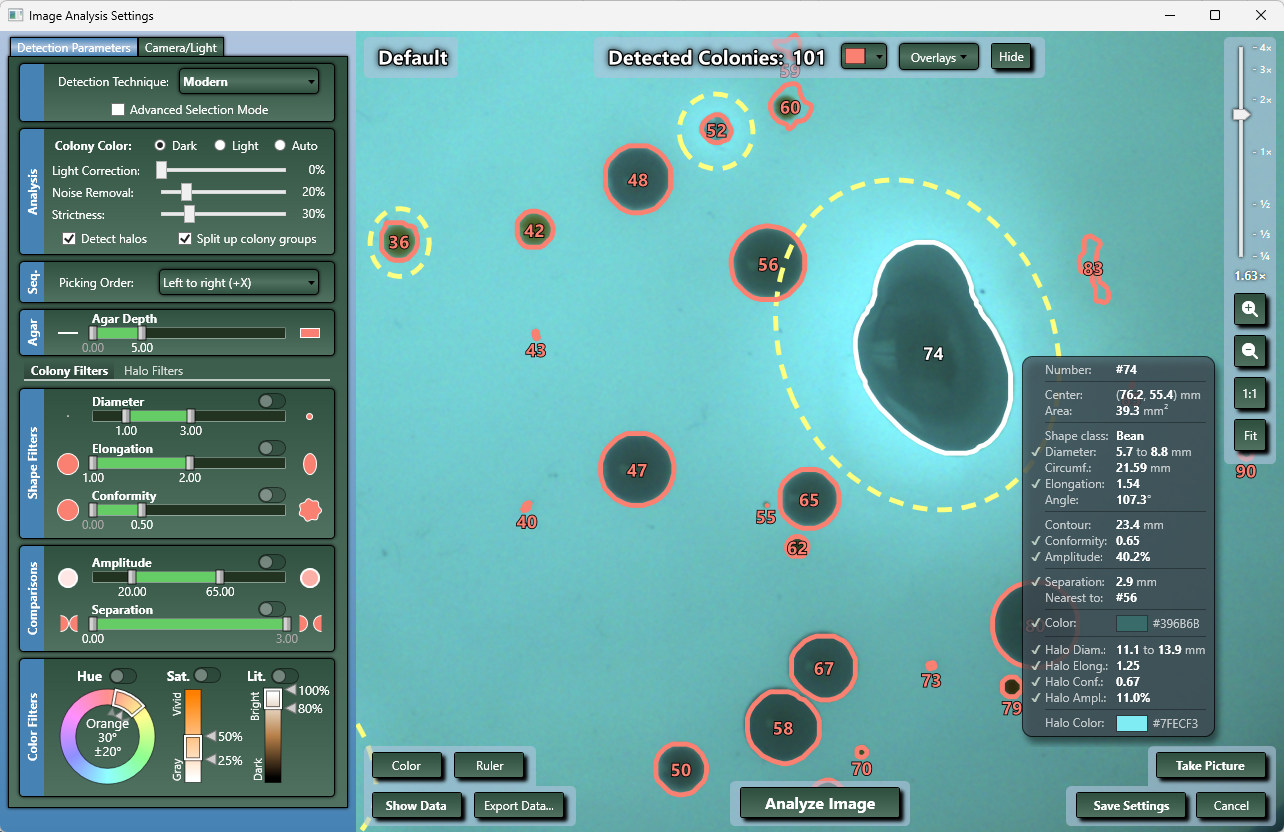
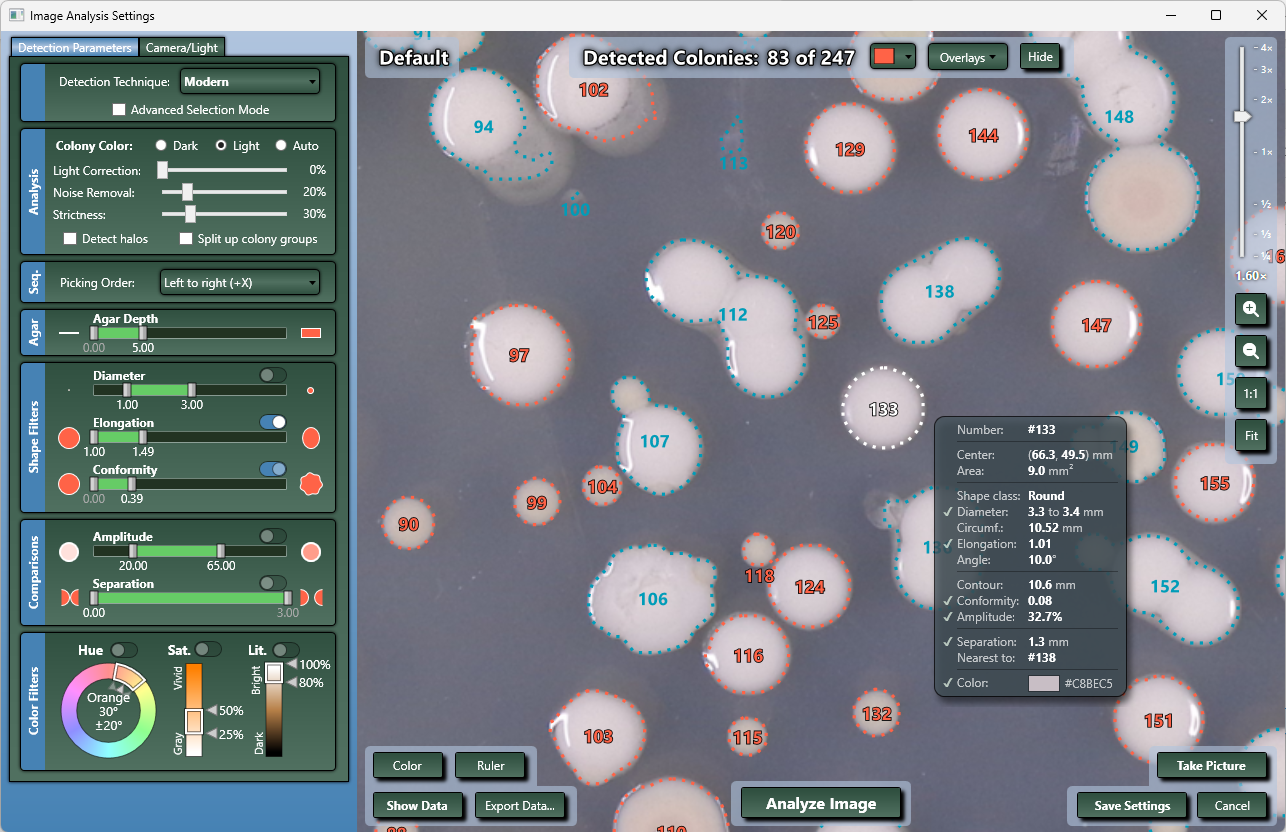
| Diameter | Widest width of the colony |
| Elongation | Ratio of length to width (1.0 = circle; 3.0 = oval shape) |
| Conformity | Smoothness of the colony’s edge (higher = more jagged allowed) |
| Amplitude | Contrast value between the colony and background (higher = greater contrast) |
| Separation | Minimum spacing (mm) between colonies to be considered distinct. Includes one-click “Split Up Colonies” function |
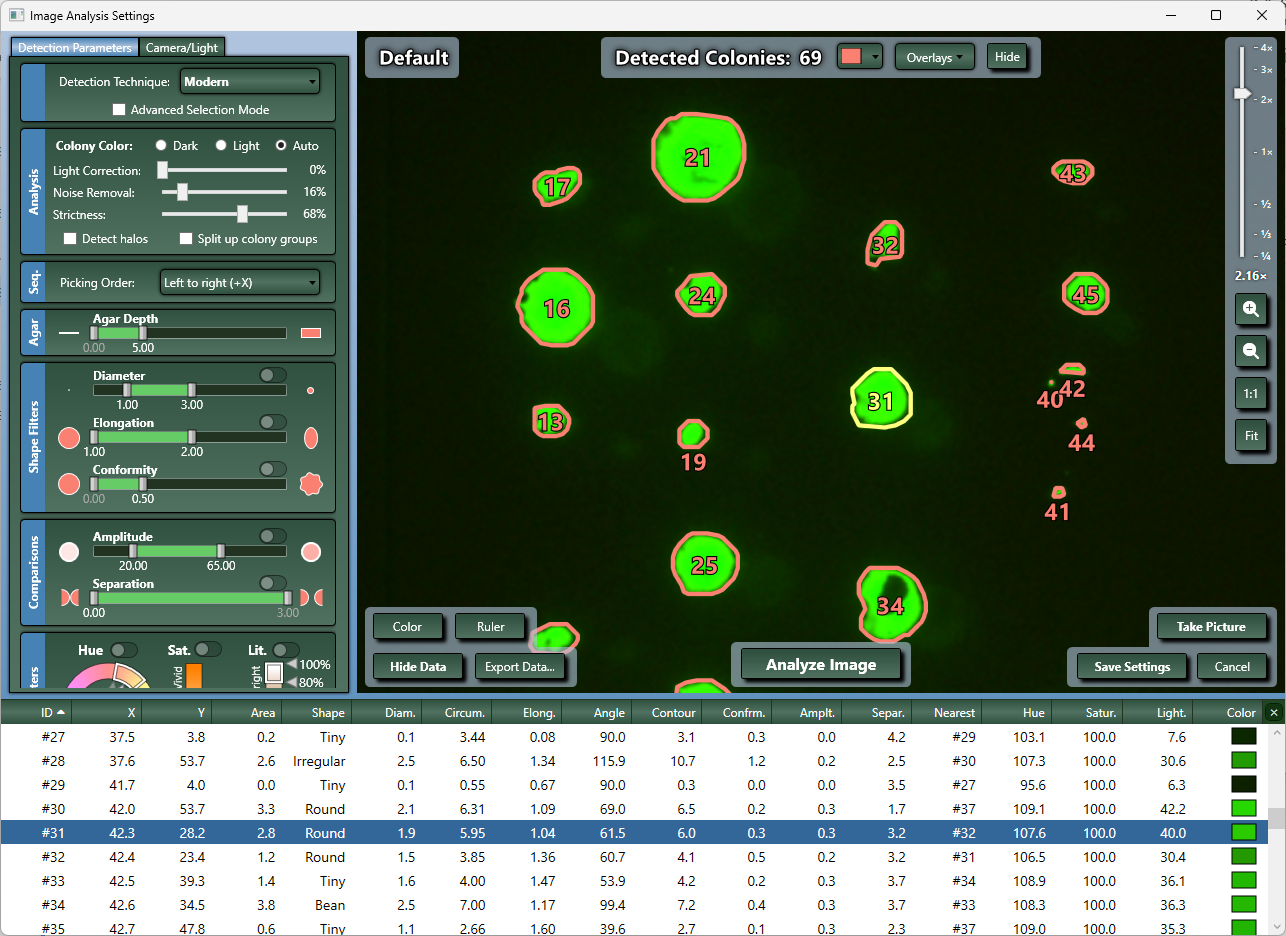
| Hue | Dominant color of the colony (0–360 degrees on the color wheel) |
| Saturation | Color intensity or purity (0% = gray, 100% = pure color) |
| Lightness | Brightness level (0% = black, 50% = true color, 100% = white) |
| Halo Parameters | |
|---|---|
| Color | Whether the halo is lighter or darker than the colony |
| Matching | Include or exclude colonies with/without halos |
| Halo Diameter | Estimated halo width |
| Elongation | Ratio of halo length to width |
| Conformity | Smoothness or circularity of the halo edge |
| Amplitude | Contrast intensity of the halo relative to both colony and background |
| Overlay Customization | |
|---|---|
| Display Options | Show colony info pop-up, show colony centers, show colony numbers, show colony edges; Best-fit ellipse display; Show halos |
| Filter Controls | Filter colonies, hide all, show all, customized appearance |
Copyright 2025 ® Hudson Lab Automation
Get the details in "Adaptable Automation for Rapidly Changing Labs"